Have you ever been watching a video and suddenly heard a sound so compelling that you wished you could keep just that audio? A background track, a powerful interview quote, or an educational explanation you want to replay anytime.
This is exactly where extract audio from video files becomes a smart and practical solution, helping you turn valuable sounds into standalone audio files with ease. But how can you do this quickly, without technical skills or complicated software?
The good news is that the process is much simpler than you might think. If you’re curious to discover the easiest way to get the exact audio you need, keep reading. Your answer is just a few steps away.
Why Extract Audio from Video Files?
Video files often contain valuable audio that deserves a life beyond the visuals. Podcasts, interviews, lectures, music performances, voice notes, and ambient sounds are frequently locked inside video formats that are heavy, less flexible, and not always convenient for everyday use. By isolating audio, users can listen on the go, reuse sound for new creative projects, or archive important spoken content without dealing with large video files.
In many professional and educational workflows, the need to extract audio from video files is driven by efficiency. Audio-only files load faster, consume less storage, and integrate more smoothly into transcription software, music libraries, and learning platforms.
This process also enables creators to repurpose existing material without re-recording, preserving authenticity while saving time and resources.
Beyond practicality, extracting audio enhances accessibility. Learners can focus on spoken explanations without visual distractions, and content can be distributed to audiences who prefer listening over watching.
From productivity to creative freedom, audio extraction transforms video from a single-purpose asset into a versatile content source.
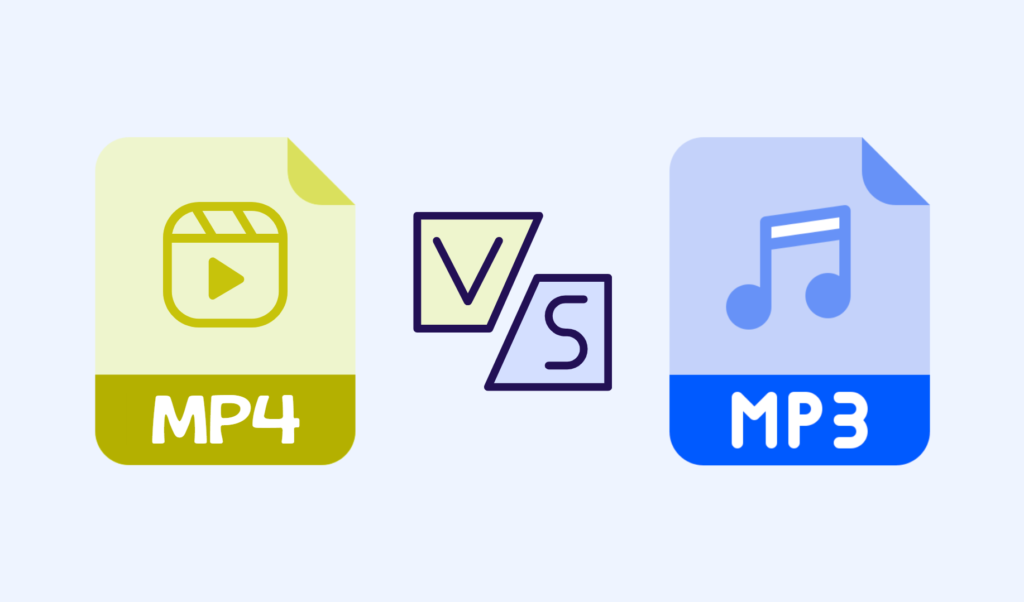
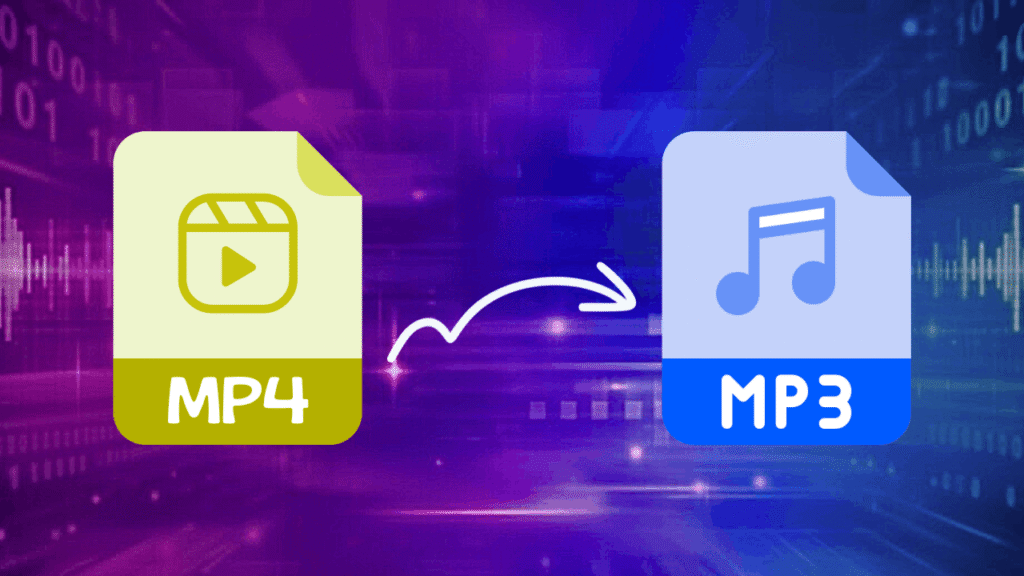
MP4 vs MP3: What’s the Difference?
MP4 and MP3 are often mentioned together, yet they serve distinct purposes.
- MP4 is a multimedia container capable of holding video, audio, subtitles, and metadata in one file, making it ideal for streaming and visual playback.
- MP3, on the other hand, is a dedicated audio format optimized for sound quality and compression, widely supported across devices and platforms.
When users extract audio from video files, the comparison between these formats becomes especially relevant. MP3 files are significantly smaller than MP4 files and are easier to manage, share, and store.
This is why many people choose to convert video to audio when they only need the sound, whether for music libraries, educational materials, or offline listening.
Another important difference lies in usability. MP3 files integrate seamlessly with music players, podcast apps, and transcription tools, while MP4 files often require video players even if the visual component is unnecessary.
Understanding this distinction helps users choose the right output format and optimize their workflow based on how the audio will be consumed.

(3) General Steps to Extract Audio from Video Files
The process of audio extraction from video follows a clear and logical structure, regardless of the tool you choose. First, you upload or import the video file into your selected platform or software. This step involves verifying compatibility, supported formats, and ensuring the original file quality is preserved during processing.
- Once the file is loaded, the second phase is where you extract audio from video files by selecting the desired output format and quality settings.
- At this stage, users often decide whether they want high-fidelity sound for professional use or compressed audio for quick sharing. Some tools also allow trimming, normalization, or basic enhancement before finalizing the output.
- The final step is exporting and saving the audio file. After processing, the extracted audio can be downloaded, stored locally, or sent directly to cloud storage.
At this point, creators may also choose to extract sound from video for further editing, archiving, or distribution across multiple platforms without needing the original video file again.
- Top 5 Tools to Extract Audio from Video
When evaluating options to extract audio from video files, factors such as supported formats, processing speed, customization options, and privacy policies matter.
Some platforms focus on simplicity, allowing users to convert video to audio in a few clicks, while others integrate advanced features like batch processing and noise control. The top 5 Recommended Tools are:

- Zamzar: A web-based solution that supports a wide range of formats and enables fast audio extraction without requiring any software installation.

- Descript: An advanced editing platform that combines audio extraction with transcription, making it ideal for podcasters and content creators.

- CapCut: A user-friendly editor that allows seamless audio separation directly within a visual timeline, especially popular among social media creators.

- Notta: A smart tool designed for creators who want to extract audio optimized for transcription and voice-focused workflows.

- VLC Media Player: A powerful open-source desktop tool that offers reliable audio extraction with extensive format compatibility and offline control.
Many creators rely on a dedicated video and audio converter when handling large libraries or frequent conversions, while others prefer lightweight tools for occasional use. Selecting the right solution depends on how often you work with media, your technical skill level, and the desired output quality.
Key Tips & Considerations for Mastering Audio Extraction
Mastering audio extraction requires more than pressing a single button. Whether converting mp4 to mp3 for music playback or preparing audio for transcription, a thoughtful approach minimizes rework and maximizes the value of your extracted content.
- File quality should always be the first consideration; low-resolution videos often produce poor audio results, regardless of the tool used.
- Choosing the correct bitrate and format ensures the extracted audio matches its intended purpose, whether that’s professional editing or casual listening.
- To Extract Audio from Video Files effectively, users should also understand the importance of format compatibility and workflow planning. For example, creators working on podcasts may prefer to separate audio from video to streamline editing, while educators might focus on clarity for speech-based content.
- Familiarity with video editing basics helps avoid common mistakes like clipping, distortion, or inconsistent volume levels.
- Finally, organization and tool selection play a critical role. Using reliable audio conversion tools ensures consistent results and protects file integrity.
Finally
Audio extraction is no longer a niche technical task; it has become a core skill for creators, educators, marketers, and everyday users. The ability to extract audio from video files empowers users to reuse content efficiently, improve accessibility, and adapt media for diverse platforms without compromising quality.
Learning how to extract, manage, and optimize audio gives you greater control over your media assets and opens the door to creative and professional opportunities that extend far beyond the original video.
Tell us, what tool do you currently use for audio extraction? Have questions or challenges with audio quality? Want deeper tutorials and comparisons? Subscribe or follow for more practical media guides.